
Use case
Job site photos with timestamp and GPS
A match means the checked photo or video still matches its FactLock record. It does not tell you whether a claim or photo is true.
FactLockCam is an evidence camera for iPhone and Android. Photograph a job site at the start, at each stage and at handoff, or walk a property room by room for an inspection. Each photo and video is FactLocked when you take it. When location access is on, its GPS reading is included in the proof package you share. Later, the people you share it with can check whether the photo or video still matches its FactLock record.

Ways to use it
- Document a job at the start, at each stage and at handoff.
- Photograph what you found during an inspection, where you found it.
- Walk a unit room by room at move-in, move-out or a routine check.
How to document a job site with FactLockCam
- 01 Open FactLockCam and take your start-of-job photos and video before work begins. Shoot wide first, then close-ups.
- 02 At each stage, repeat the same angles so the sets line up.
- 03 At handoff, take the final set from the same angles.
- 04 Your captures stay in your Archive on your phone, with their GPS reading when location access is on.
- 05 When someone needs to see them, use Send Proof to share a protected proof package. They check whether the photo or video still matches its FactLock record.
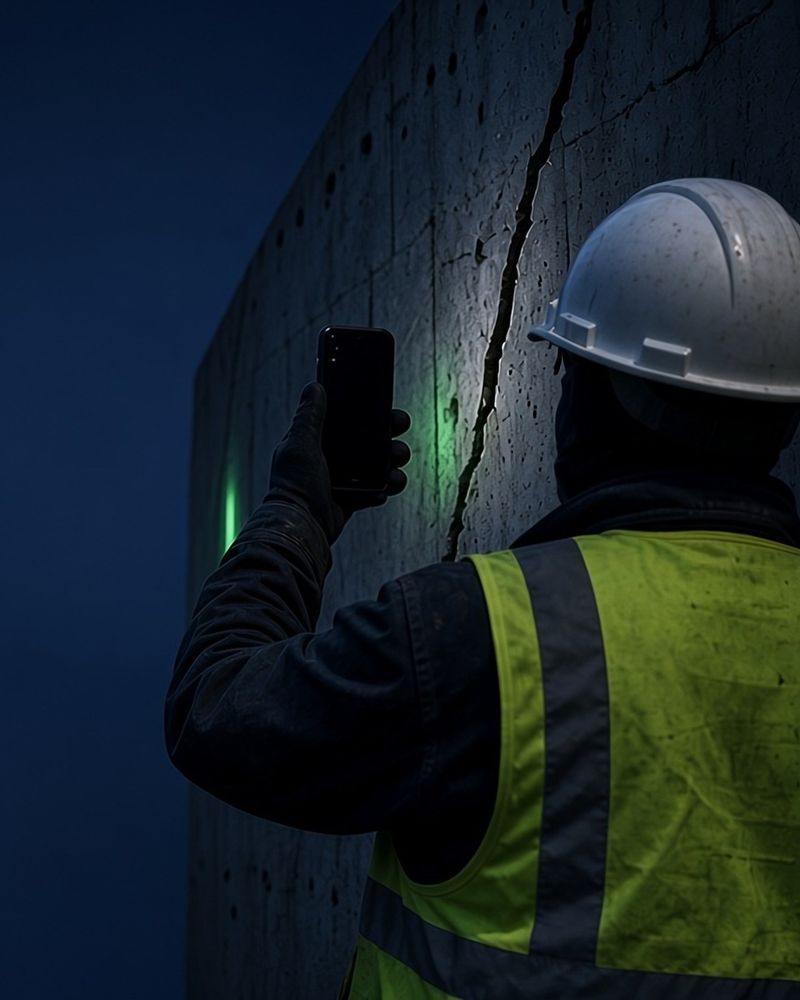
Stage-by-stage photo checklist
- Start site entrance, each work area wide, existing damage close-up, utilities and access points.
- Each stage the same work areas from the same spots, plus anything covered up at that stage (framing, wiring, plumbing before walls close).
- Handoff every finished area from the same spots, plus close-ups of fixtures and finishes.
- Room-by-room walk (property) doorway wide shot, then each wall, floor, ceiling, windows and fixtures.
What a match tells you
A match means the checked photo or video still matches its FactLock record. It does not tell you whether a claim or photo is true. It does not show who took the photo, whether the scene was staged, or that anyone will accept it. The FactLock time comes from the public transaction that recorded it. GPS comes from the phone, is included only when location access is on, and is not part of the FactLock record.
FAQ
How do I take job site photos with a timestamp and GPS location?
Use a camera app that records the time and location with each capture. FactLockCam FactLocks each photo and video when you take it and keeps it in your Archive. When location access is on, its GPS reading is included in the proof package you share.
What should construction photo documentation include?
Shoot the site at the start, at each stage and at handoff, from the same angles each time. Cover wide views first, then close-ups of anything that will be covered up or that may be questioned later.
How can I show an inspection photo hasn't been edited since I took it?
Share it from FactLockCam with Send Proof. The recipient can check whether the photo or video still matches its FactLock record. A match shows it is unchanged since it was FactLocked; it does not prove what the photo shows is true.
Does FactLockCam work for video too?
Yes. Video you record in FactLockCam is FactLocked the same way as photos.
Is FactLockCam on Android?
Yes. FactLockCam is on iPhone and Android.