
01
It starts at capture
Shoot it in FactLockCam.
Frame the shot. Time and GPS show on screen as you shoot. Tap the shutter and the app puts a tamper-evident seal on that exact file.
with the FactLockCam app


-
02
Open the original.
Load the sealed file at factlockcam.com/open. It matches its record.
-
03
Check the edited copy.
Check the copy against the same record at factlockcam.com/verify. It does not match.
-
04
Try it yourself.
Download the files below and run both checks in your own browser.
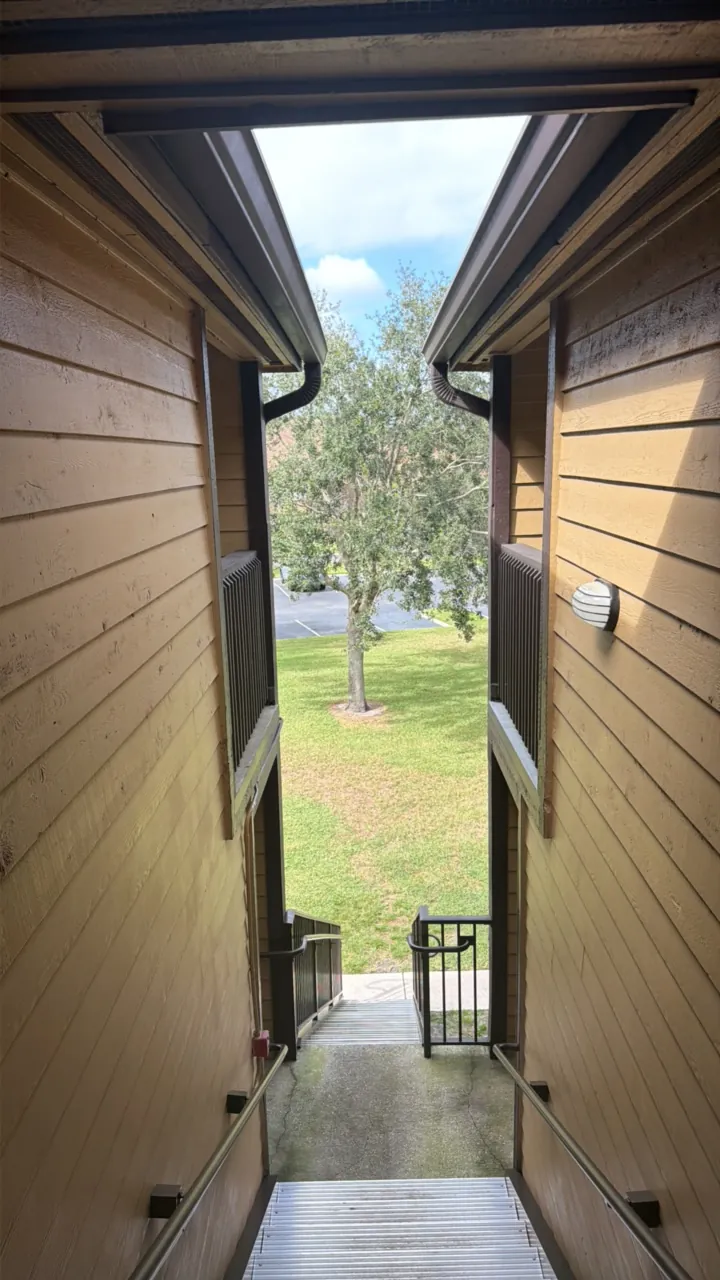 Sealed original
 Verifier output · factlockcam.com/open
- File — match. Inspected bytes equal the recorded SHA-256 fingerprint.
- Signature — match. Owner signature recovers to the recorded address.
- Public record — confirmed. Window: block 96337747 → 96337752.
Open the sealed file at factlockcam.com/open.
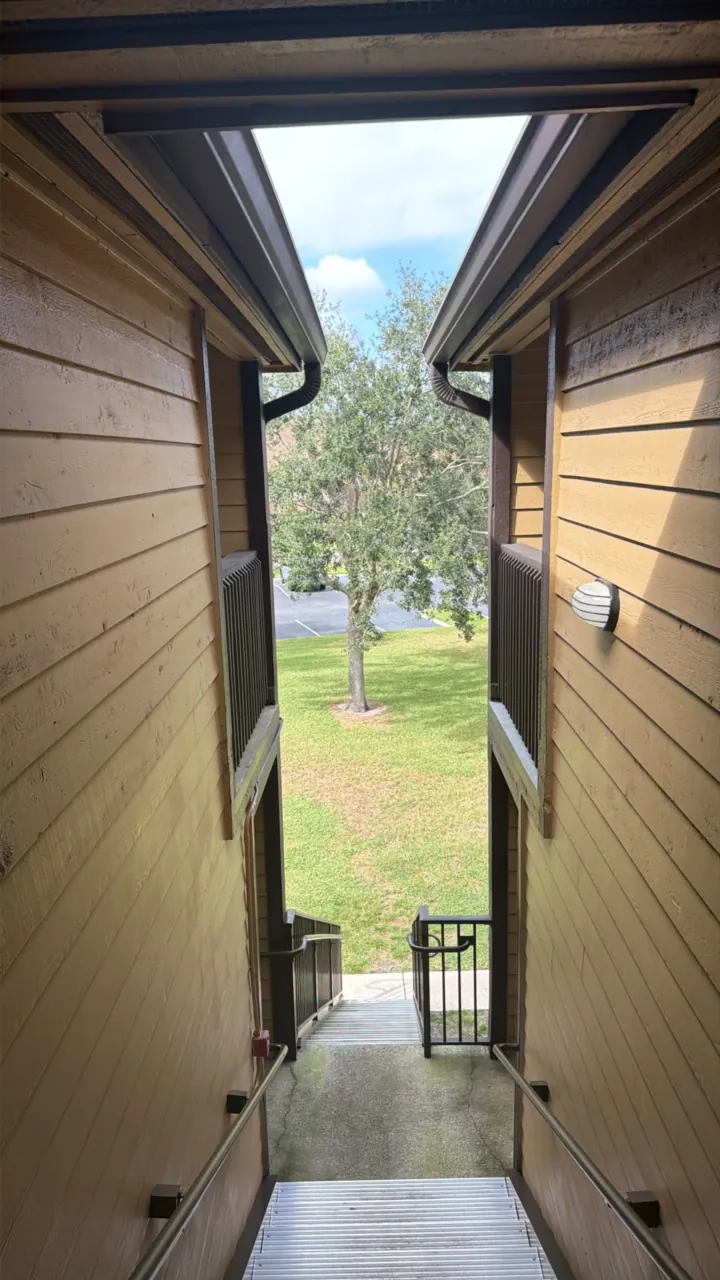 One pixel changed
 Verifier output · factlockcam.com/verify
- media_hash_mismatch — Decrypted media SHA-256 does not match the signed manifest.
Check the copy against its record at factlockcam.com/verify.
Real photo, sealed in FactLockCam on an iPhone. Output above is copied from the shipping verifier, run on these exact files on Oct 28, 2026.
Try it yourself
Download the files. Everything runs in your browser. Nothing is uploaded.
Fastest: download the sealed original, then open this link and choose the file. The unlock key is in the link.

The record changed. The earlier reference is still checkable.
A mismatch means the file changed. It does not say who changed it, or why.
- Sealed original — waiting
- Edited copy — waiting