

Anchor the Original.
Take the photo. Seal it. Anyone can check later that it hasn’t changed.
with the FactLockCam app

Start free with 5 seals. No payment method needed.
Checks the exact file, not what happened in the scene.

-
01
CAPTURE
Take the photo or video in FactLockCam.
-
02
The app puts a tamper-evident seal on the exact file and logs it to a public record.
-
03
ANYONE CAN CHECK
Send it. A small proof opens in their browser. No app, no account. A large proof opens in the free FactLockFile desktop Viewer, coming for Mac, Windows and Linux once each version is tested.
Public record on Polygon, added when your phone is online.
How it works, in detailChange one pixel. The check fails.
See the full demo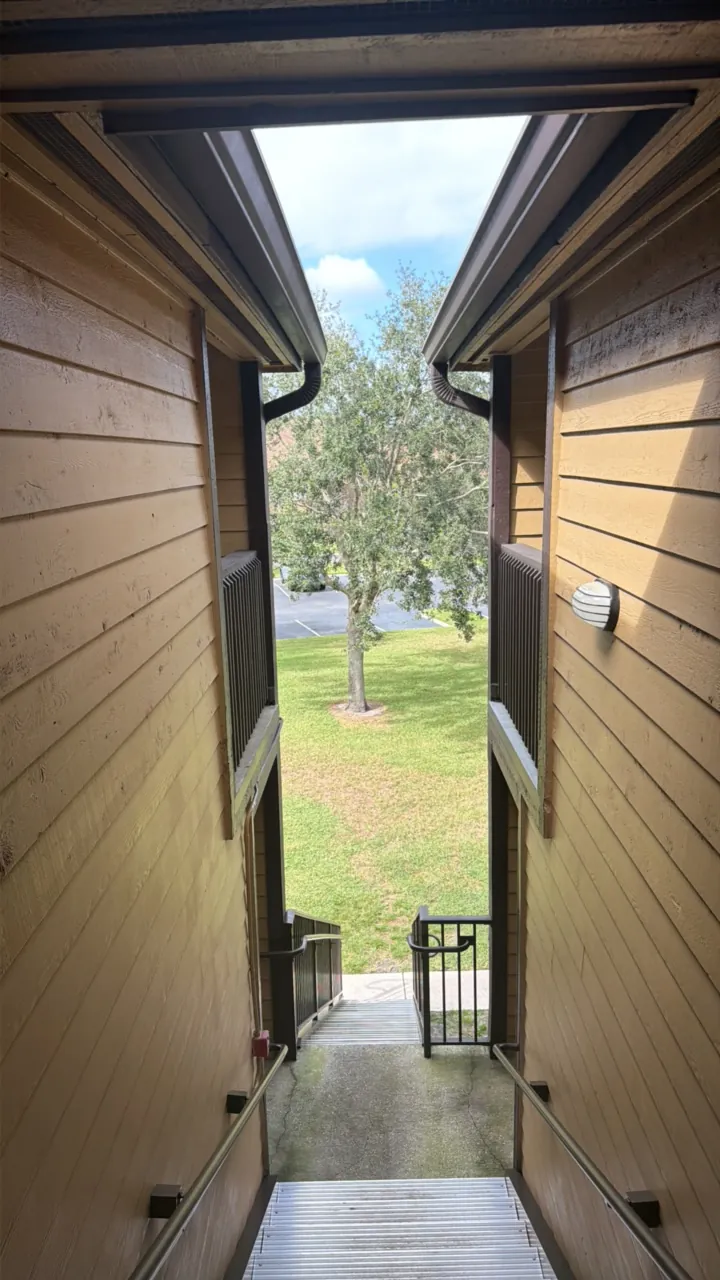 Sealed original
 Verifier output · factlockcam.com/open
- File — match. Inspected bytes equal the recorded SHA-256 fingerprint.
- Signature — match. Owner signature recovers to the recorded address.
- Public record — confirmed. Window: block 96337747 → 96337752.
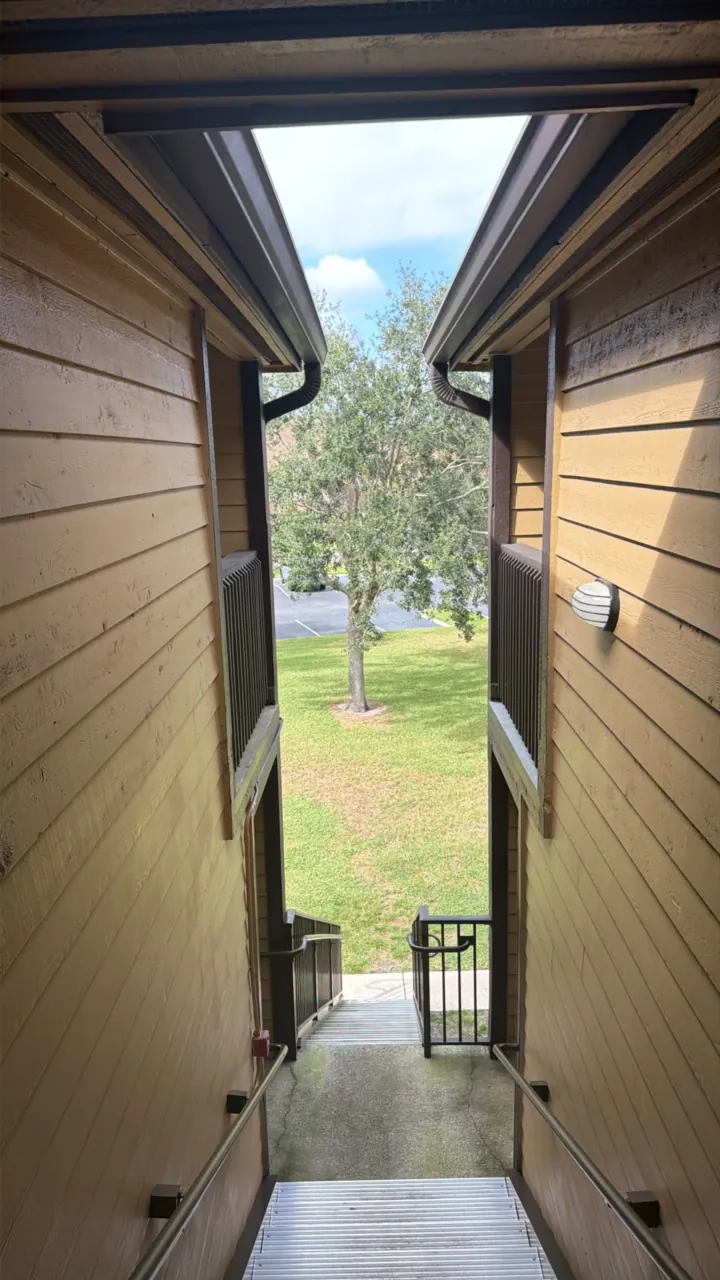 One pixel changed
 Verifier output · factlockcam.com/verify
- media_hash_mismatch — Decrypted media SHA-256 does not match the signed manifest.
Real photo, sealed in FactLockCam on an iPhone. Output above is copied from the shipping verifier, run on these exact files on Oct 28, 2026.
The record changed. The earlier reference is still checkable.
A mismatch means the file changed. It does not say who changed it, or why.
For the photos that get questioned.
-
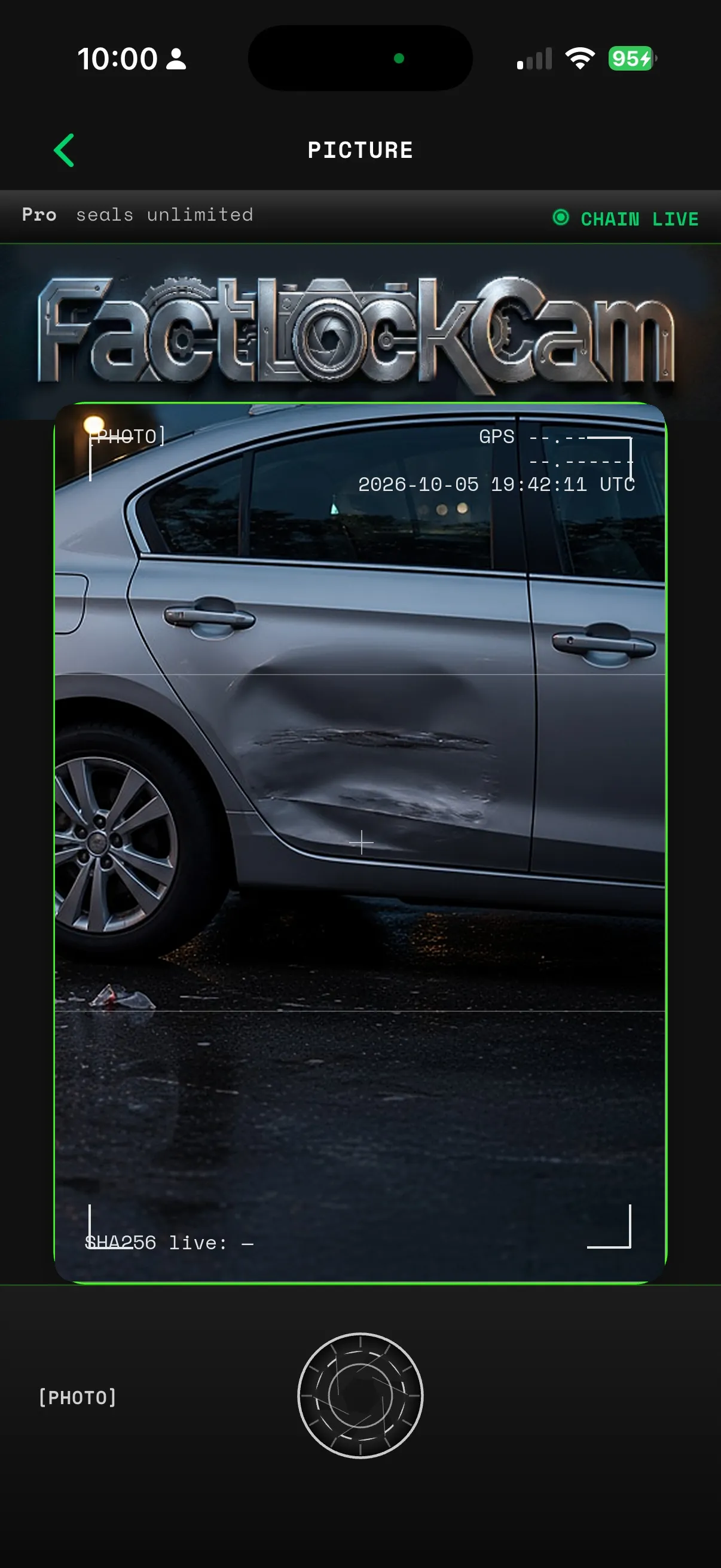
Car accident
Shoot the damage before the cars move. Hand over a file anyone can check.
Read the guide -
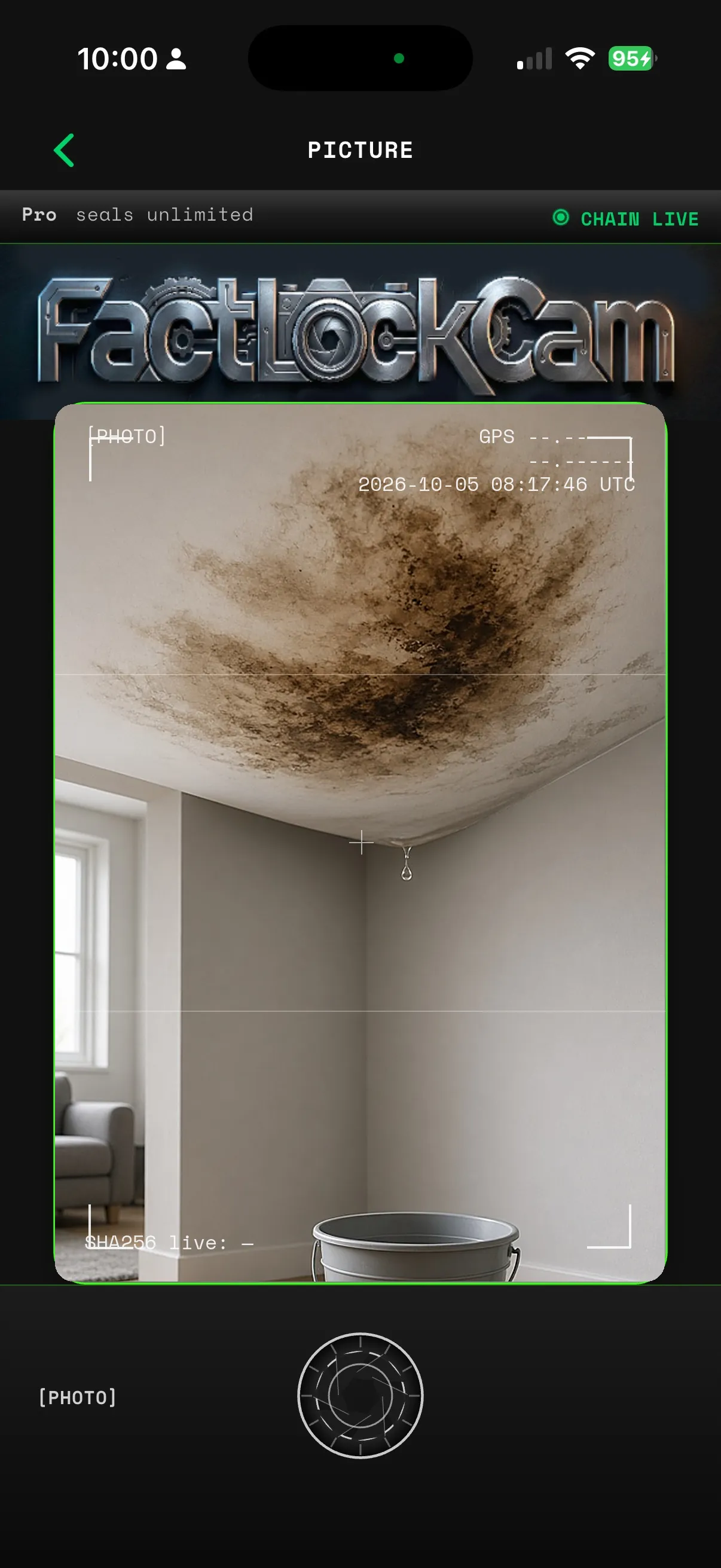
Property & insurance
Seal the damage before repairs start. Your adjuster can check it is the file you shot.
Read the guide -
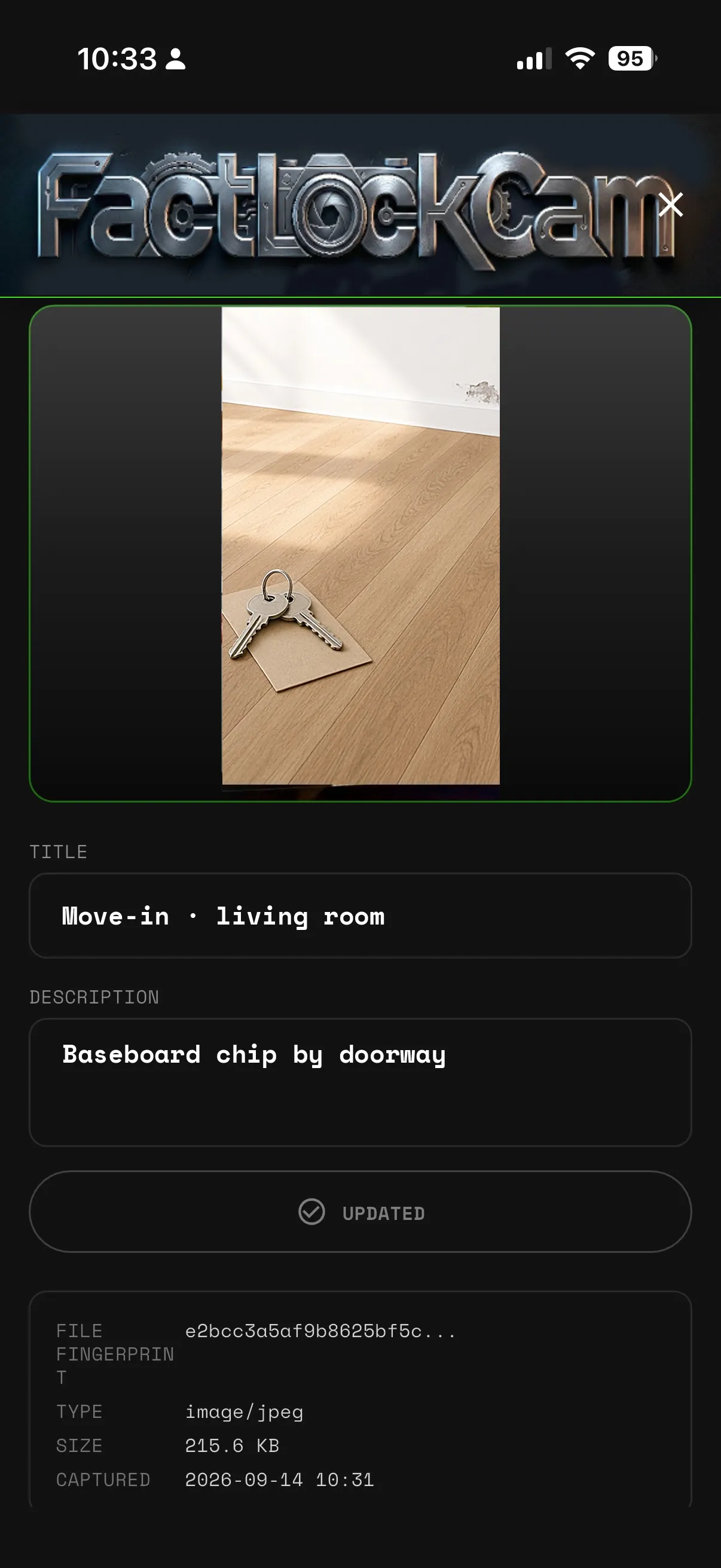
Move-in / move-out
Seal every room on key day. Works offline, too.
Read the guide